How to tell if you're texting less than you used to
Compare how many messages you sent each other each year. iPhone doesn't show that. Misento, an iPhone app that helps you understand your relationships in iMessage, charts it for every chat, day by day and year by year.
In Misento
- Bring your messages into Misento, once, with a shortcut on iOS 26 or later or from a Mac.
- Open the conversation from the Contacts tab and switch to the Analytics tab.
- Under Message History, Message Activity shades each day by how many messages you sent each other.
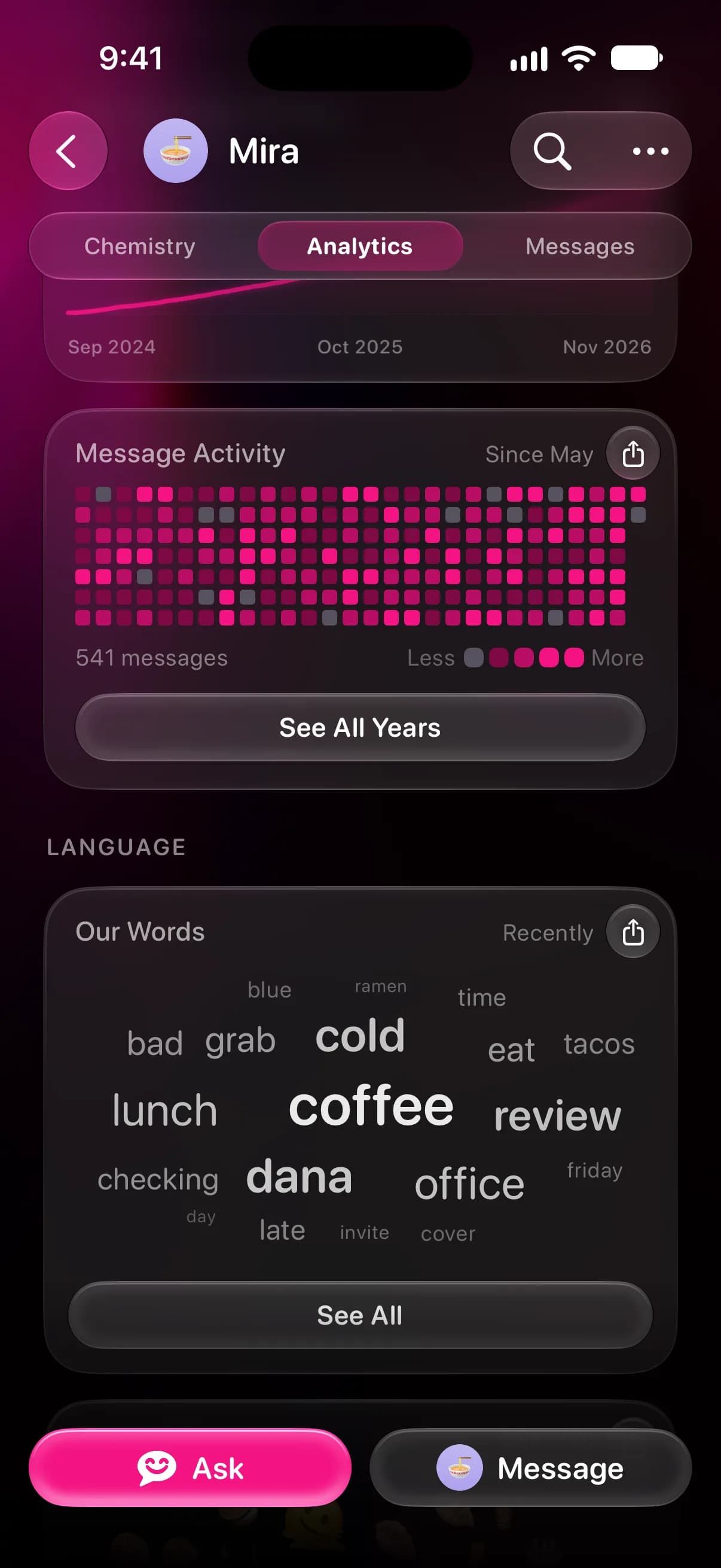
- Tap See All Years to lay out every year with its total, so a quieter stretch stands out.
In a one-on-one chat, the chart above Message Activity adds up your messages over time; it flattens where the texting slowed. For all your chats at once, Message Activity on the Profile tab has the same See All Years view.
What a drop means
Fewer messages can mean someone is busier, moved to a group chat, or calls instead of texting. Misento shows the change and when it started, but not the reason for it. If you're wondering who usually reaches out, who texts first and reply time show that part.
Message Activity is free, and it's part of Misento's iMessage analyzer.
Questions
How far back can I see my texting history?
As far back as the messages on your iPhone go. If Keep Messages in Settings > Apps > Messages is set to 30 Days or 1 Year, anything older is deleted, and neither Messages nor Misento can count it.
What does inconsistent texting look like?
In Message Activity, it looks like runs of busy days broken by quiet weeks, instead of an even spread. The chart shows when that happened; what it means is something to ask the other person, not read from a chart.
Seif makes Misento.
Misento brings in your messages on iPhone with a shortcut, on iOS 26 or later, or from a Mac.
Get Misento for iPhone