Misento for Mac
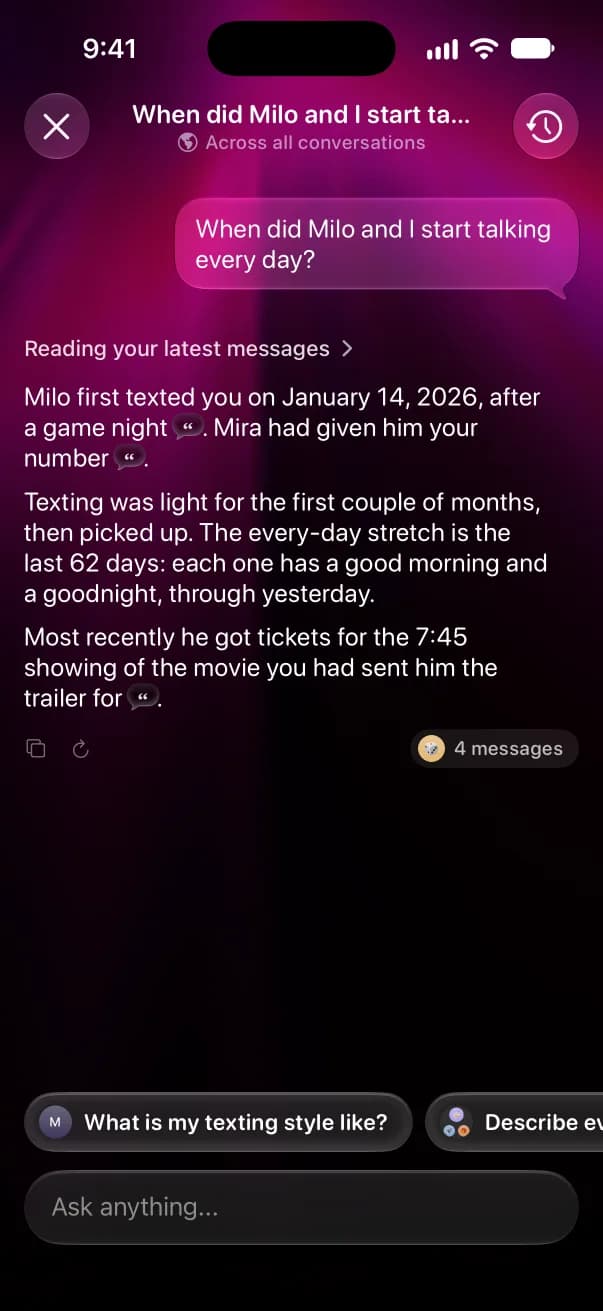
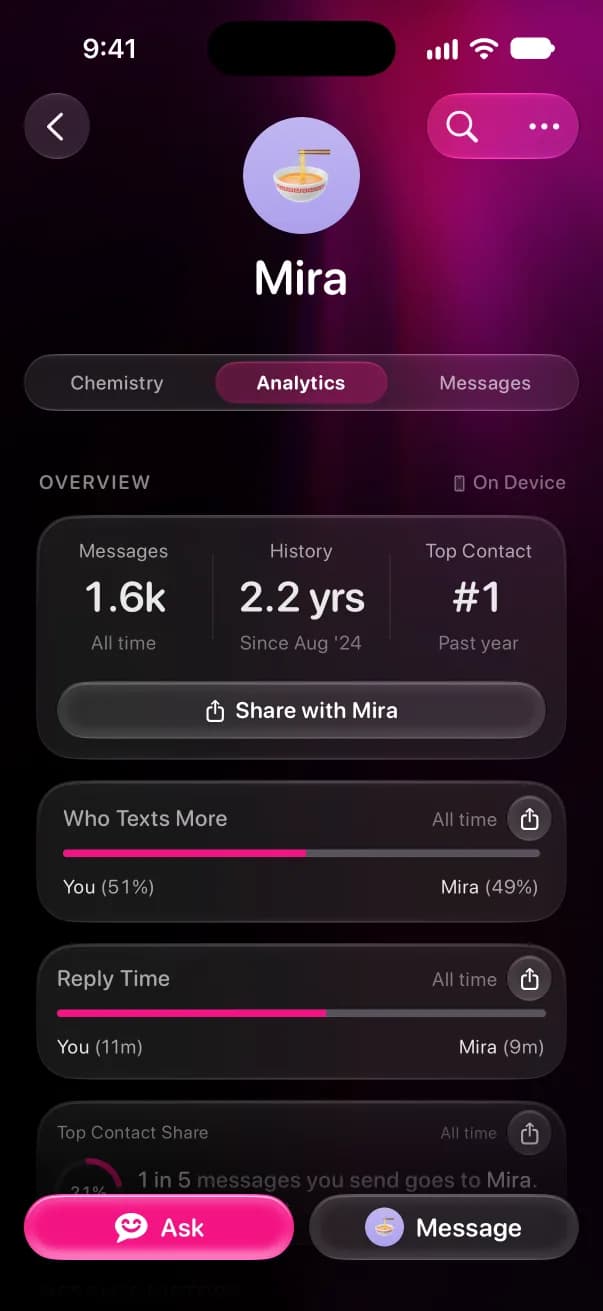
Misento helps you understand your relationships in iMessage. See who texts first and how fast you both reply, get a Wrapped of your week every Friday, and ask anything about your texts. Misento for Mac brings your whole history to your iPhone, end-to-end encrypted.
Set up from a Mac
- 1
Get Misento on your iPhone
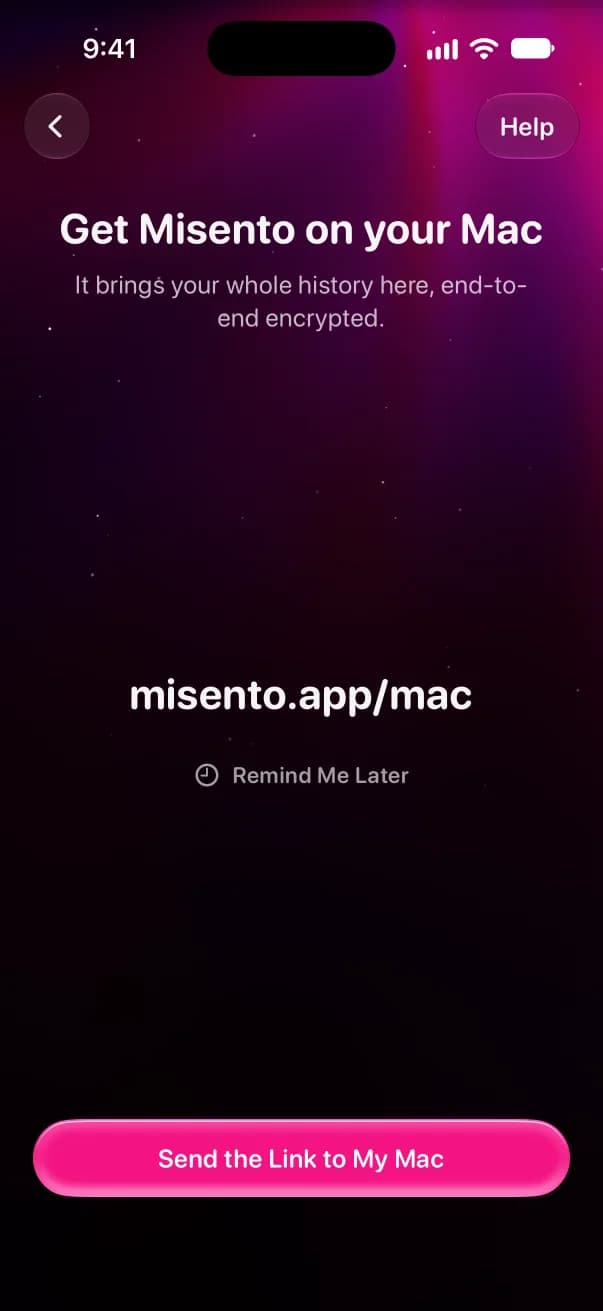
Install Misento from the App Store and sign in with Apple. Below iOS 26 it offers your Mac on its own. On iOS 26 or later, tap Help, then Set up from a Mac instead.
- 2
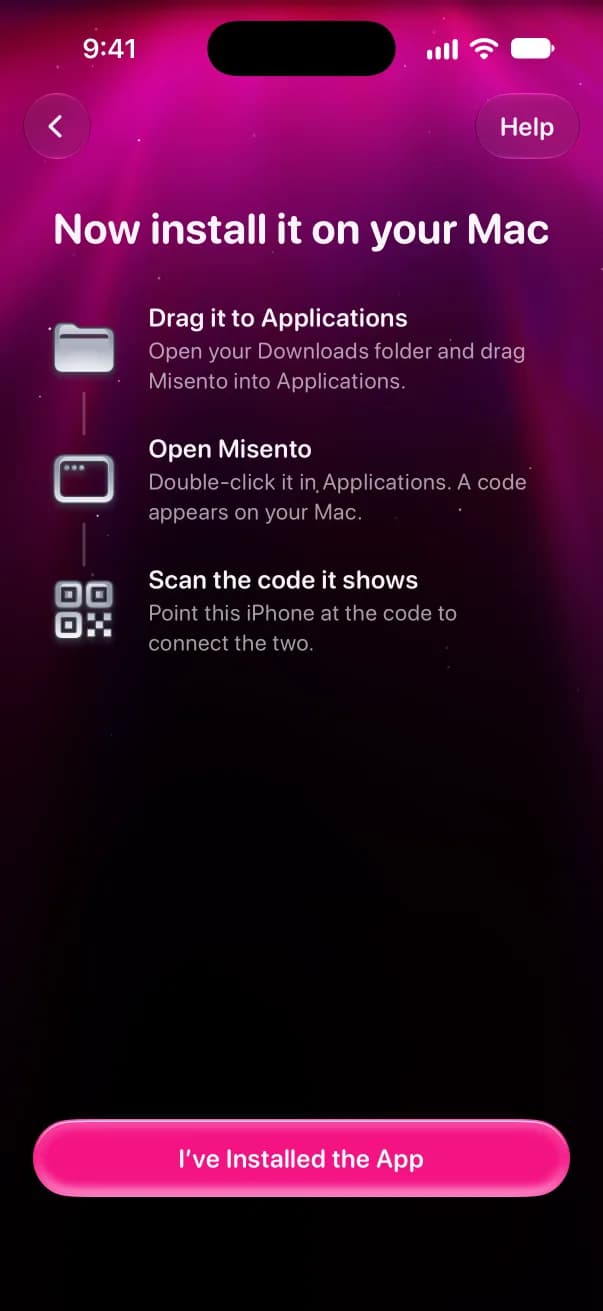
Install it on your Mac
Download Misento for Mac, drag it into Applications and open it. It asks for Full Disk Access so it can read the Messages database on your Mac.
- 3
Scan the code
Your Mac shows a code. Scan it with your iPhone's Camera, then click Confirm & Start Sync on your Mac. Your messages pass through our server end-to-end encrypted, so only your iPhone can read them.
On iOS 26 or later, you can skip the Mac. Set it up with a shortcut.