Misento for iPhone
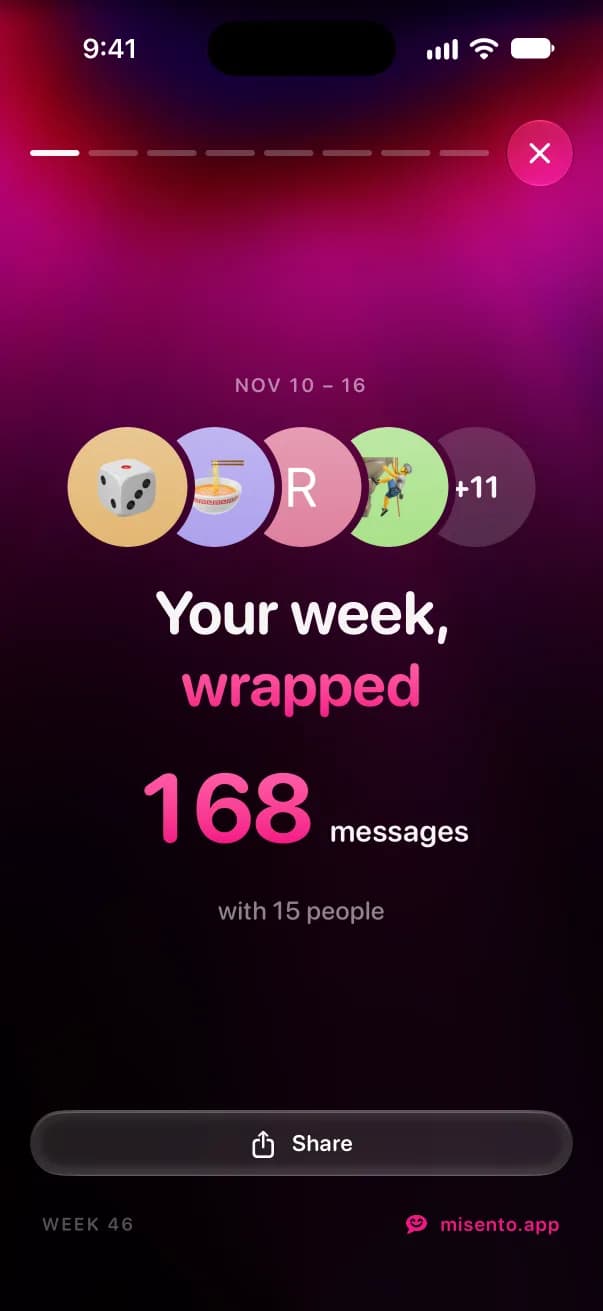
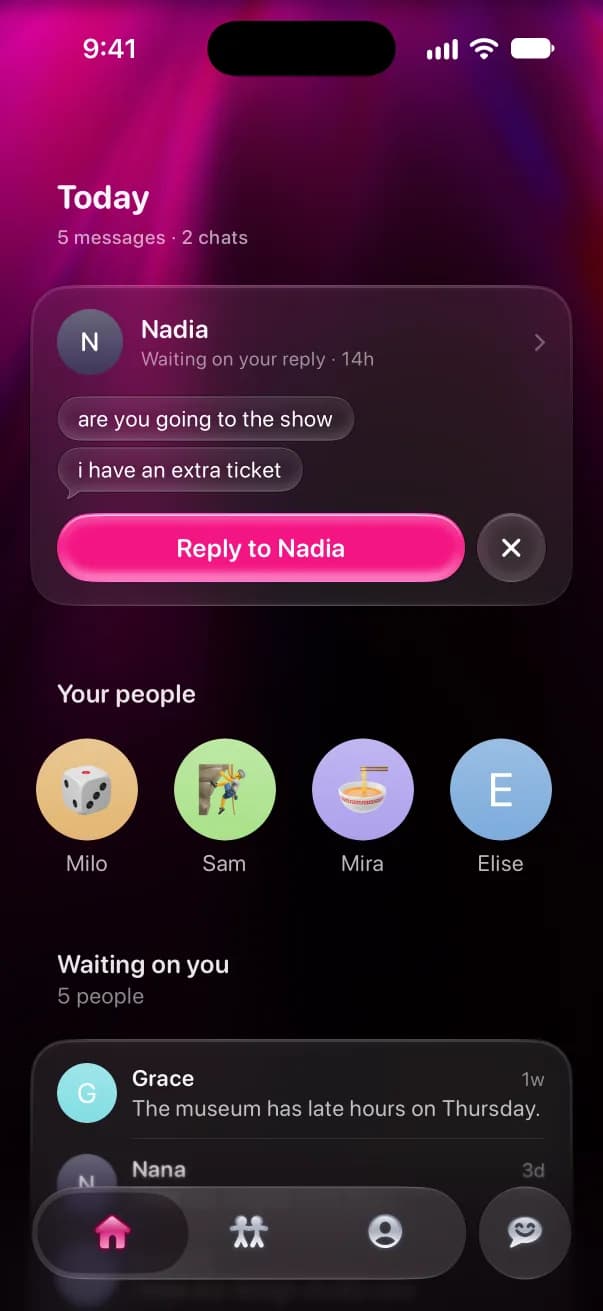
Misento helps you understand your relationships in iMessage. See who texts first and how fast you both reply, get a Wrapped of your week every Friday, and ask anything about your texts.
Set up with a shortcut
- 1
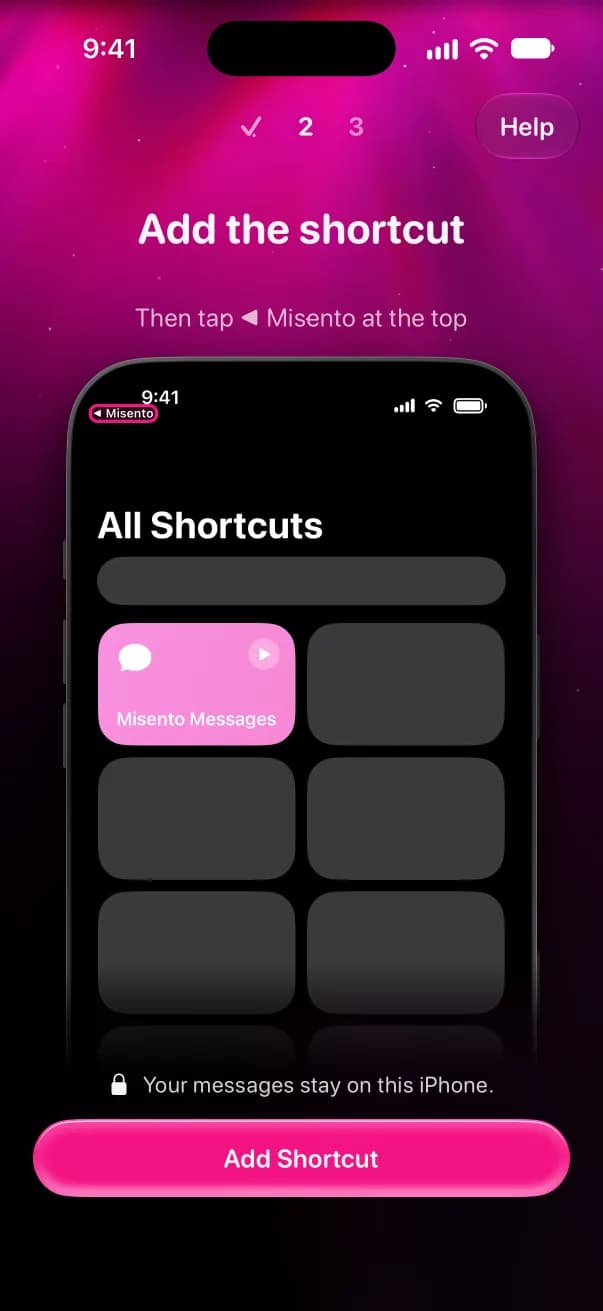
Add the shortcut
On iOS 26 or later, open Misento and sign in with Apple. Tap Add Shortcut, tap Add Shortcut again in Shortcuts, then tap Misento at the top to come back.
- 2
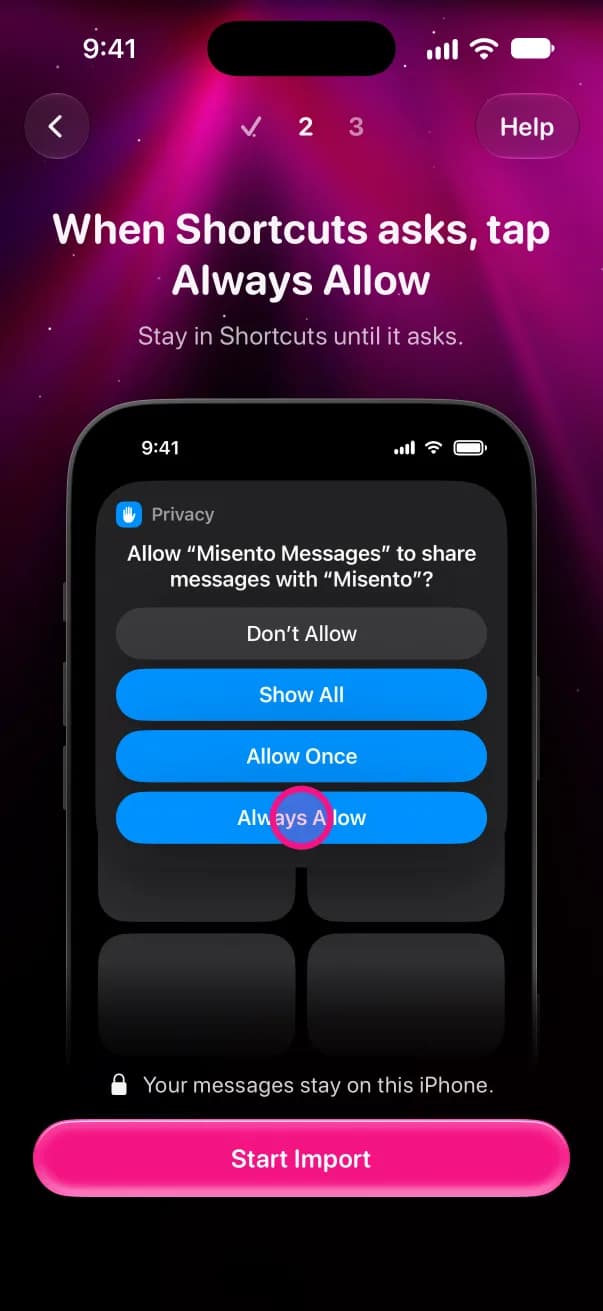
Tap Always Allow
Tap Start Import. Shortcuts runs the shortcut and asks to share your messages with Misento. Tap Always Allow. It only asks once.
- 3
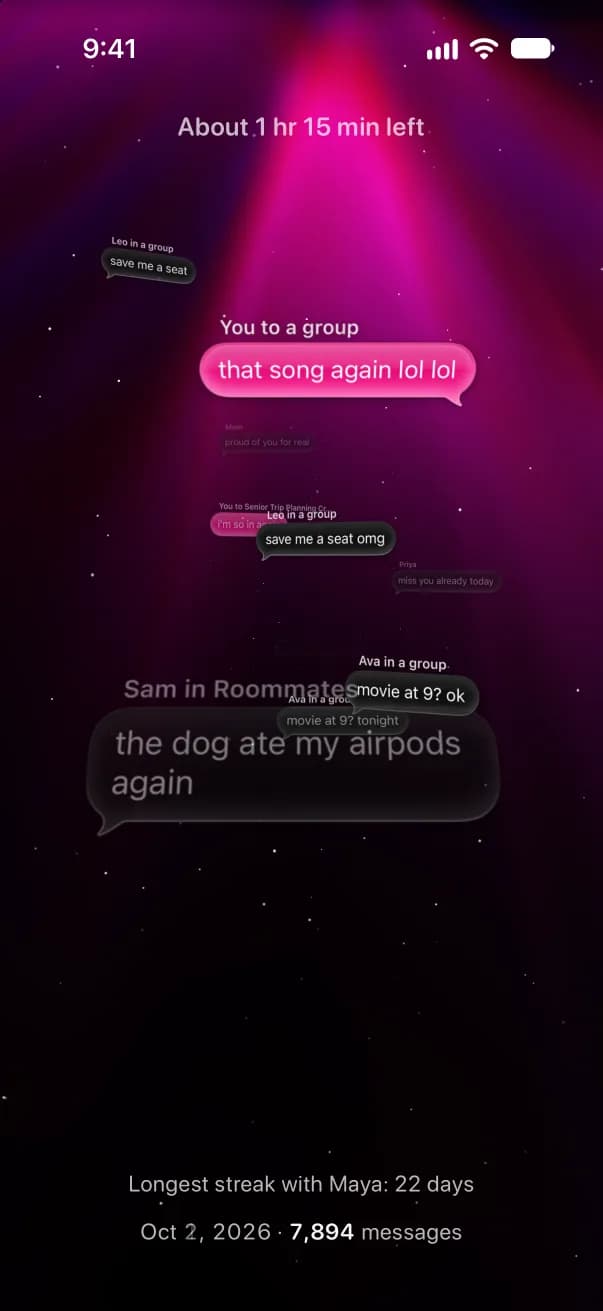
Let it import
Misento reads your whole history and counts as it goes. While it runs, Misento asks you to switch on its automations in Shortcuts so new messages come in on their own. The import runs on your iPhone, and your messages are stored there.
On iOS 18 to 25? Set it up from a Mac.