Connect Grok to iMessage
Give Grok the iMessage chats you choose, from the Grok app on your iPhone. Needs iOS 26 or later and Misento Max.
In Misento, open Profile, then Connected Agents, and choose Grok.
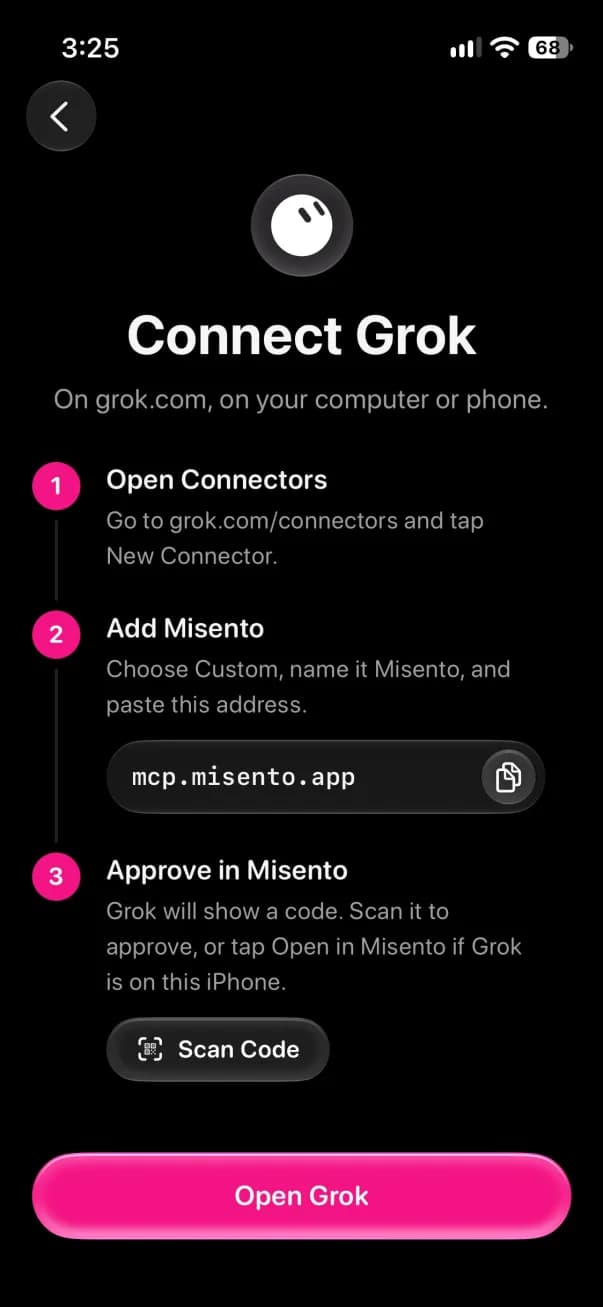
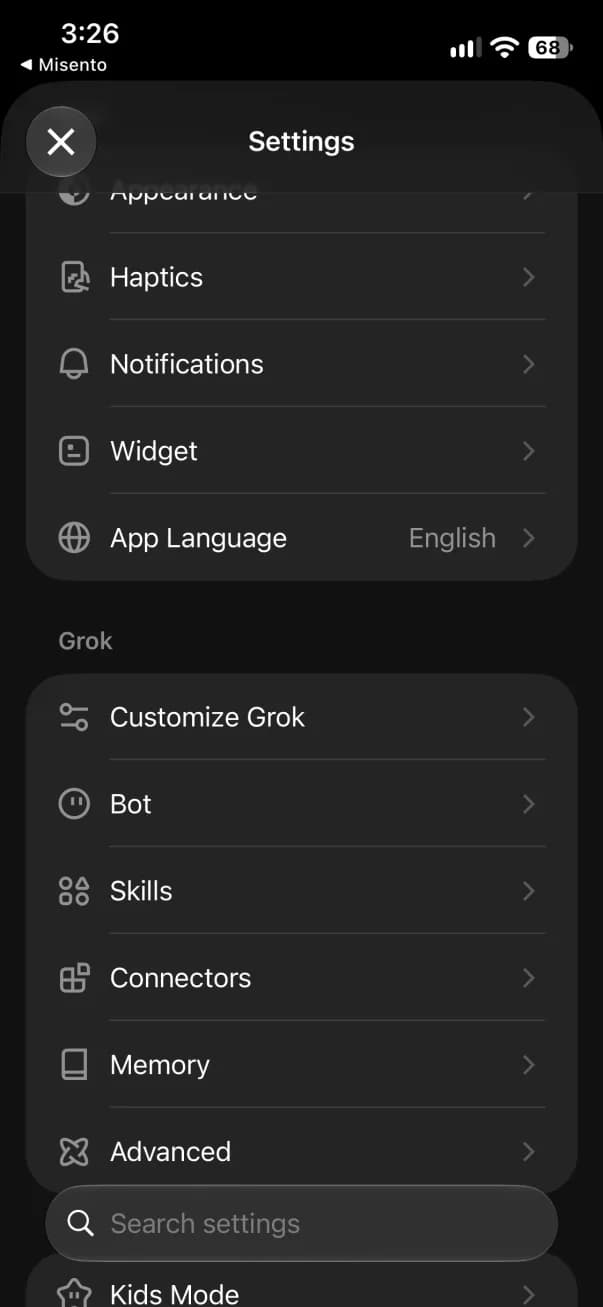
In Grok, open Settings, then Connectors.
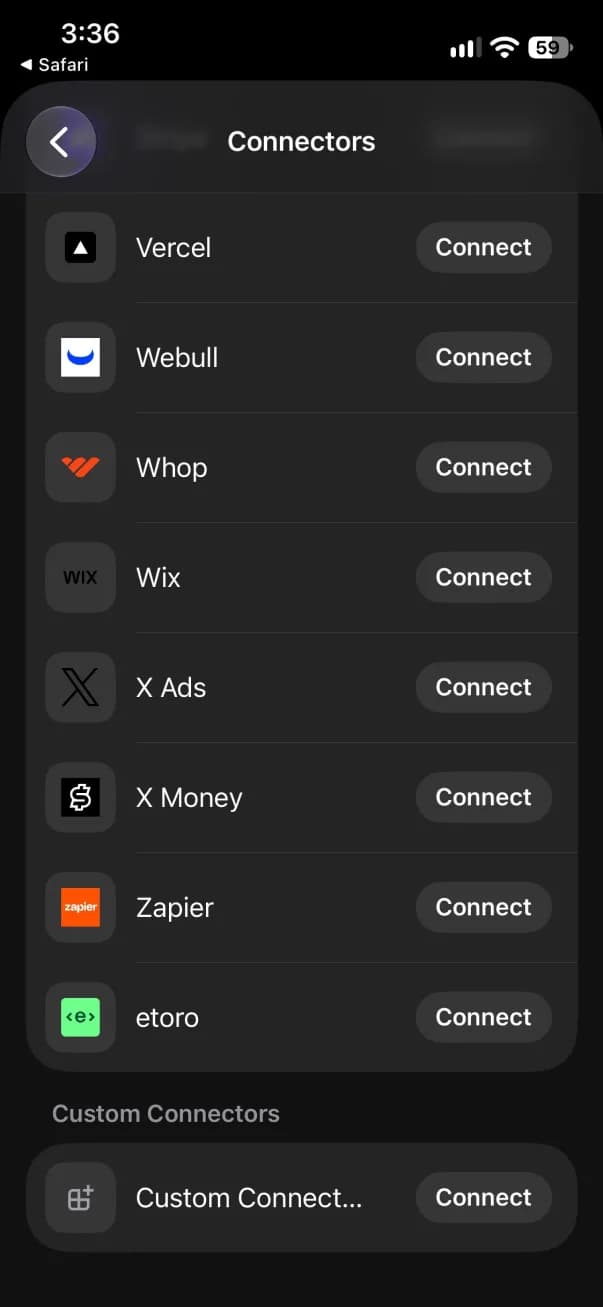
Scroll to the end and tap Connect beside Custom Connector.
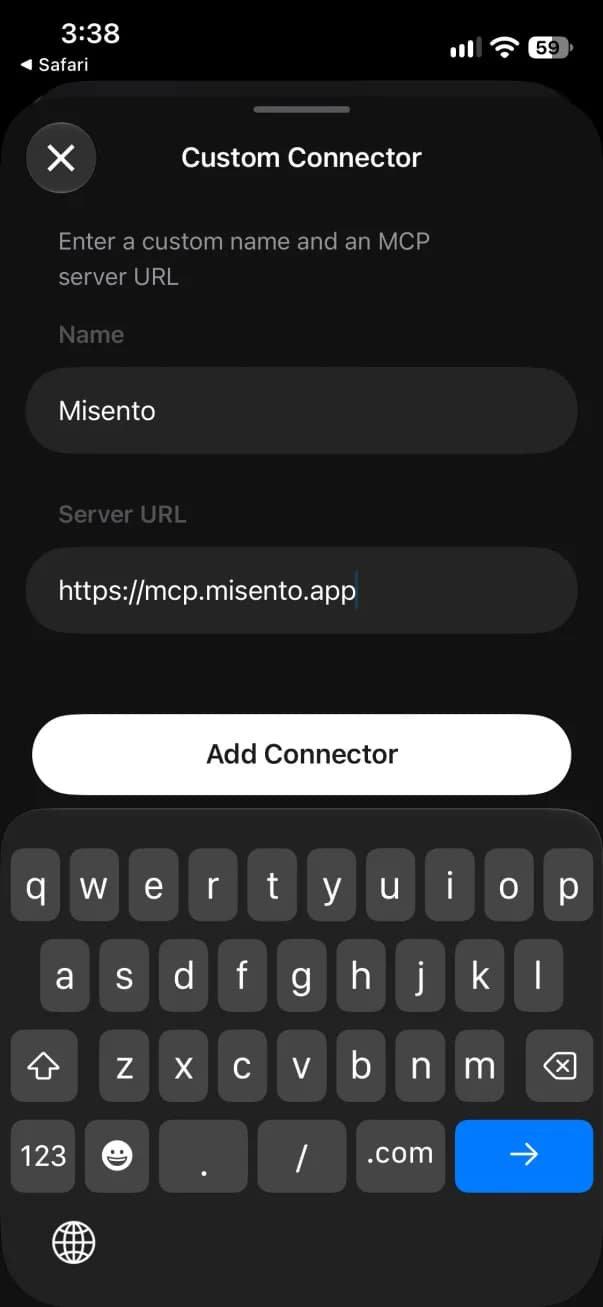
Name it Misento, paste the address and tap Add Connector.
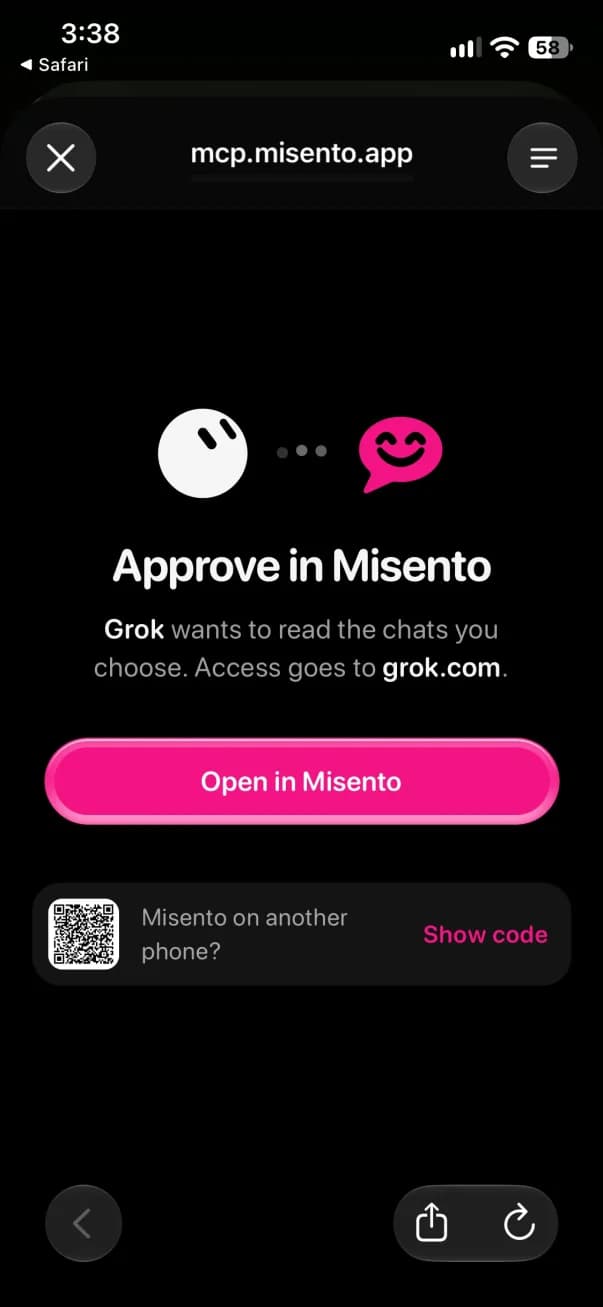
Tap Open in Misento.
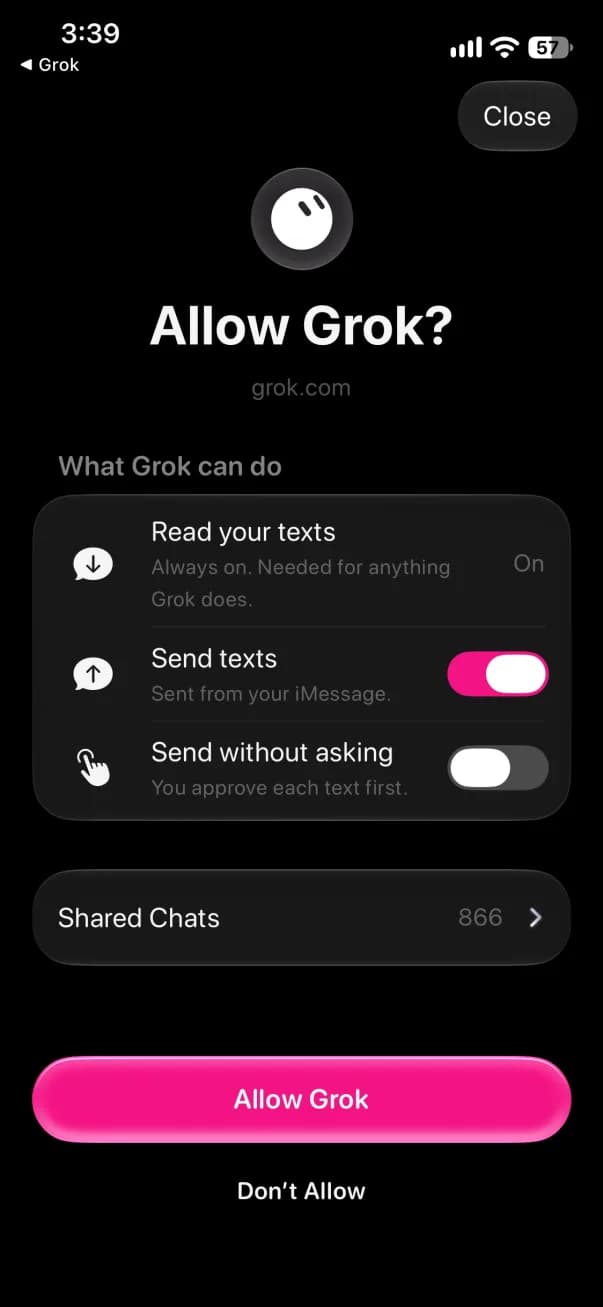
Check what Grok can do and tap Allow Grok.
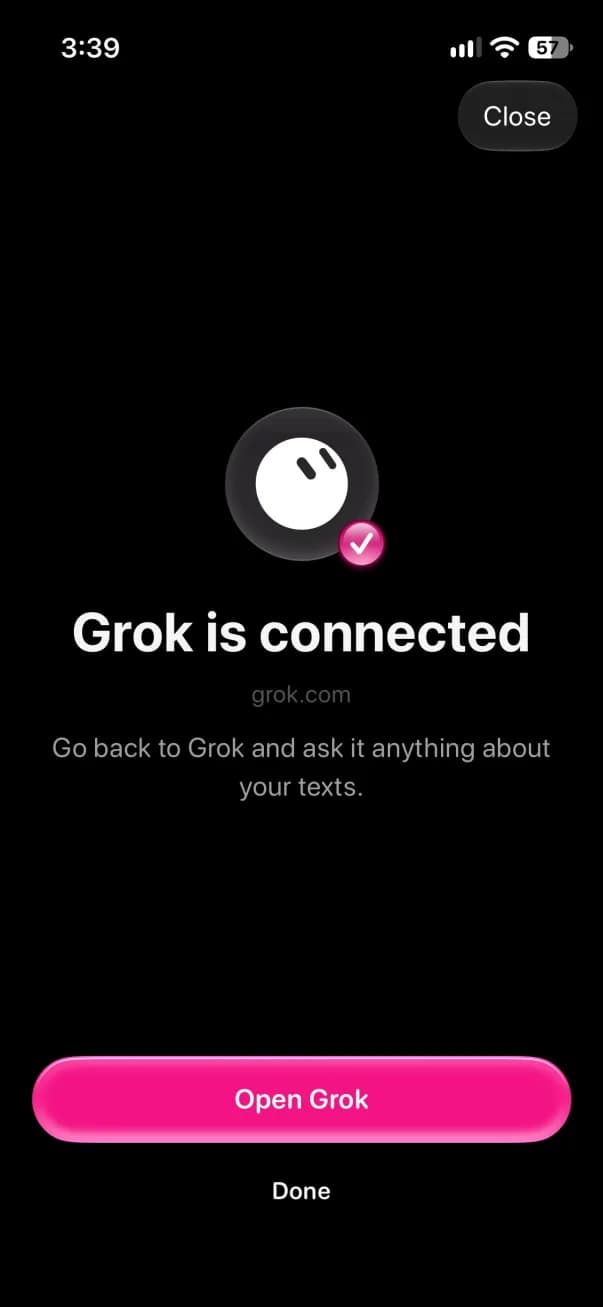
Go back to Grok to finish.
Also for Claude, ChatGPT, Muse and Instinct. How Agent Access works.
Questions
Search and read the chats you share with it, then help with what's in them, like adding every plan from your texts to your calendar.
What an agent says about a chat is its reading of the messages, not proof of how anyone feels.
Claude, ChatGPT (Plus or higher, on chatgpt.com), Grok, Muse, and any app that supports MCP connectors.
The connector address is https://mcp.misento.app.
In Misento on your iPhone, open Connected Agents and pick your agent. Add Misento to it as a custom connector, then approve on your iPhone: scan the code your agent shows, or tap Open in Misento if you started on your phone.
Choose which chats it reads and tap Allow. A request expires 30 minutes after your agent makes it.
The texts in the chats you share, with who sent each one and when, plus the chat's name and the names you see in Misento, or the number, email, or other address a sender texted from when they have no name. Not photos, videos, files, contact details, or chats you don't share. A shared group chat includes messages from people who join later.
New texts reach agents when you open Misento. On iOS 27, they also arrive when a Messages notification does.
No. Your iPhone encrypts each chat you pick before it uploads. It can only be opened inside an AWS Nitro Enclave, a sealed server we run but can't look into, and your iPhone checks the enclave before it sends anything.
The company that makes your agent sees what it reads, like anything else you give it. This can't stop that company from misusing it, or protect against a flaw in Amazon's hardware.
An iPhone on iOS 26 or later with Misento, Misento Max, and the agent you want to connect. You can start a free trial from Connected Agents.
If Max ends, agents can't read your chats until you subscribe again. Your choices are saved for 30 days.
Disconnect an agent from its page in Connected Agents, and it loses access right away. Stop sharing a chat, and its uploaded copy is deleted.
Anything an agent already read stays with its company. Each agent's page shows what it searched and read.